

Skip to product information
1 of 9

What Did The Groom Say Bachelorette Trivia Game, Bach Drinking Game Hens Party, Bikinis and Martinis Bache, Guess Who Said It Game Canva DIY

Regular price
$19.99
Regular price
Sale price
$19.99

𝗩𝗜𝗘𝗪 𝗗𝗘𝗠𝗢 𝗟𝗜𝗡𝗞 𝗛𝗘𝗥𝗘: https://www.canva.com/design/DAGs9gJ2iSw/aASnwCW_ZqaiyFqKk0cx6g/view?utm_content=DAGs9gJ2iSw&utm_campaign=designshare&utm_medium=link2&utm_source=uniquelinks&utlId=h8349433a43 

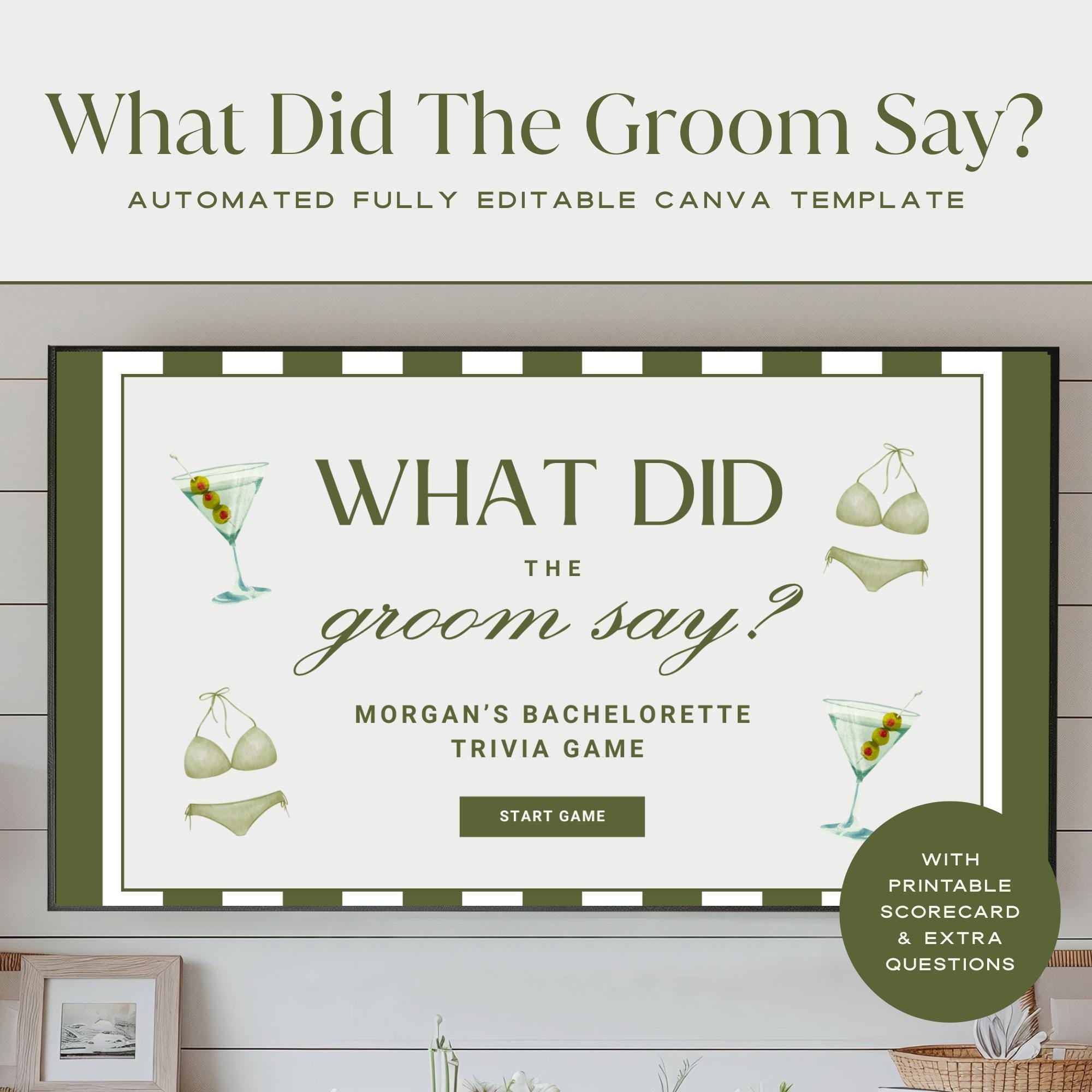
Shake things up at your Bikinis & Martinis bachelorette bash with this hilarious What Did The Groom Say? trivia + drinking game! The bride tries to guess how her groom answered 16 fun questions — then watch his actual video responses for an unforgettable reveal.

If she gets it right, the girls sip. If she gets it wrong… the bride drinks! 🎉
Perfect for pool parties, tropical weekends, cocktail nights, or destination hens trips.

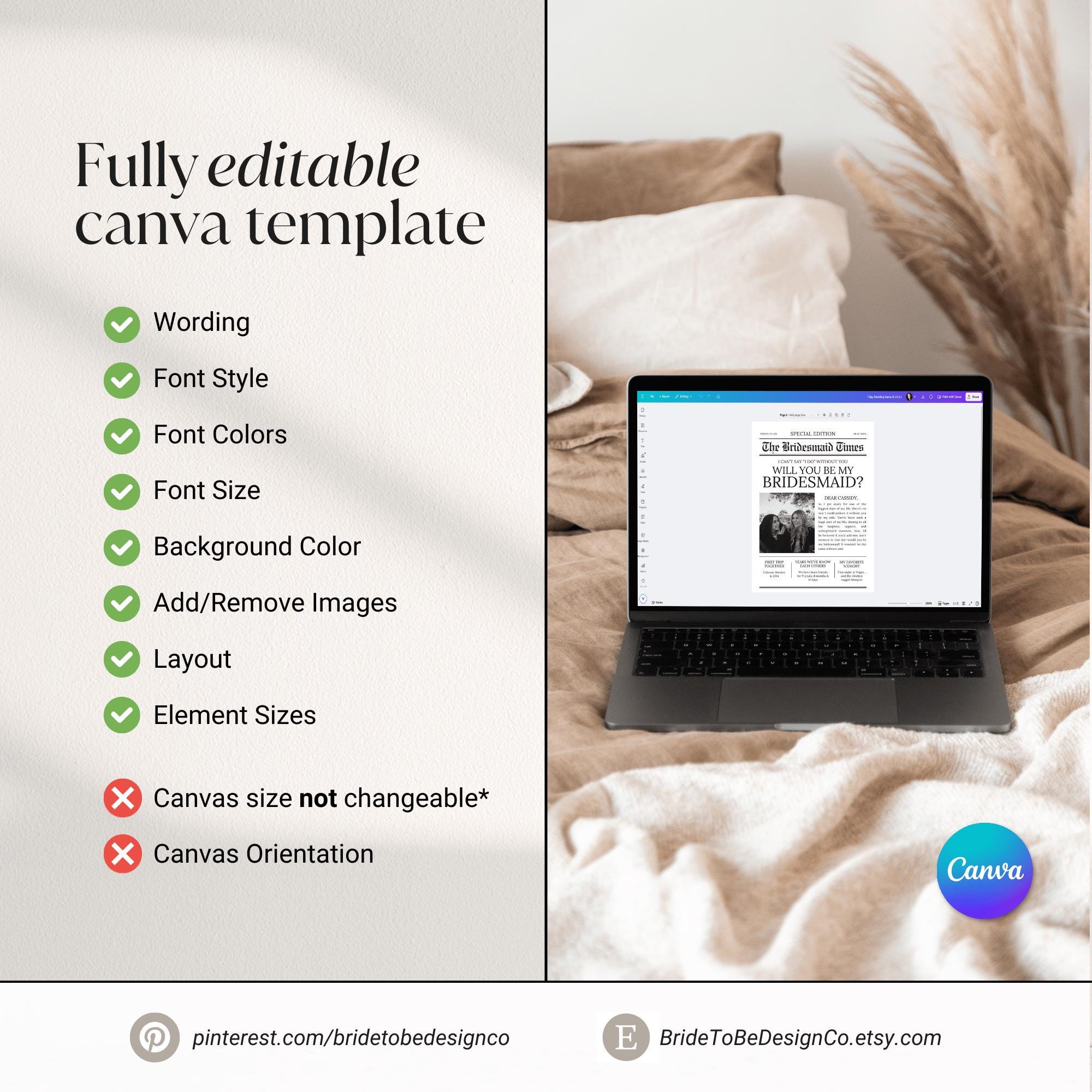
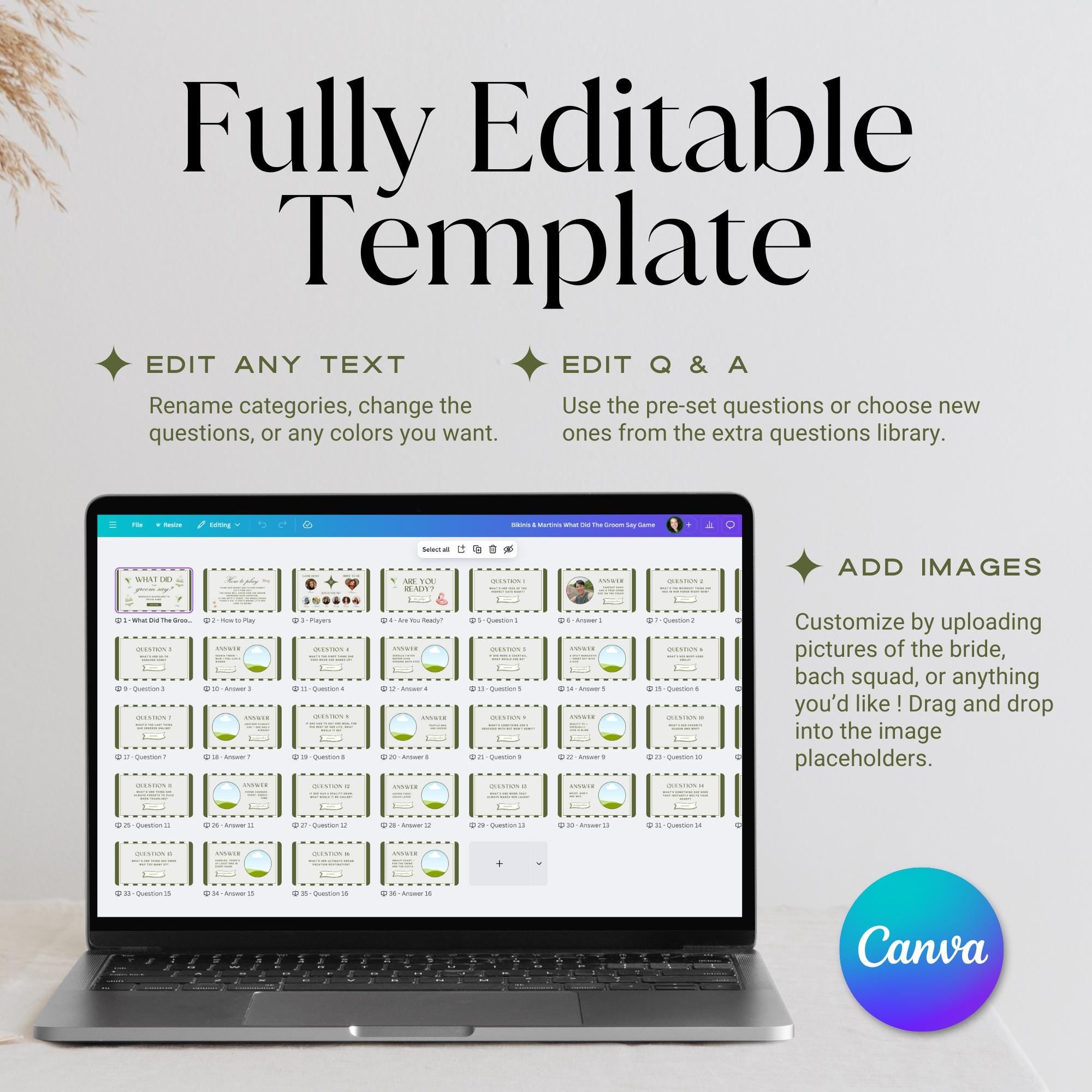
Customize questions, upload photos or videos, and play right from your phone, laptop, or TV. No design skills needed — fully editable in Canva!

🍸 Tropical party theme
🎥 Add groom video answers for surprise moments
🥂 Easy to present on any screen
💗 100% editable templates included


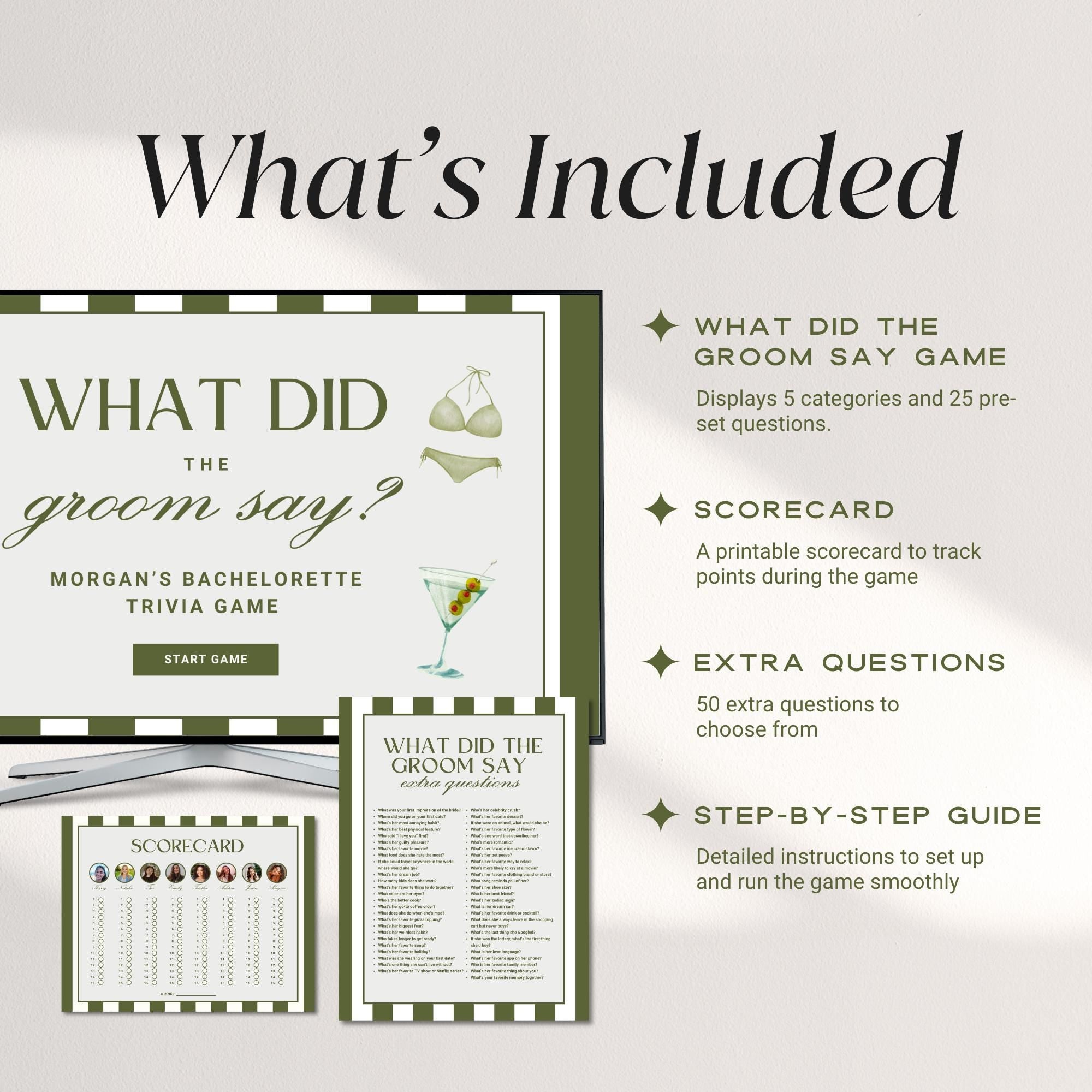
What’s Included

  • ✔️ Editable Game Presentation (Canva – play on any device)

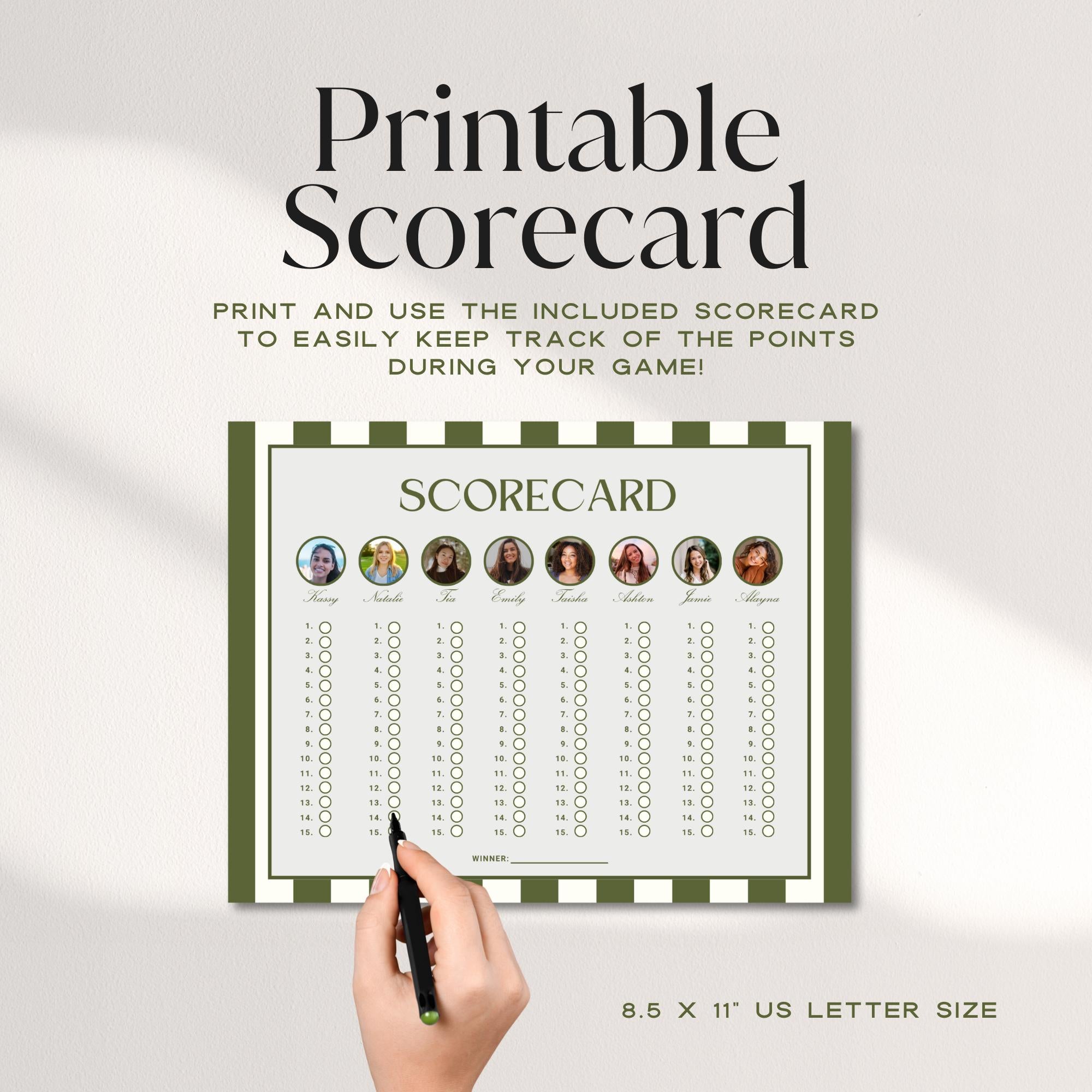
  • ✔️ Editable Scorecard Template — 11" x 8.5"

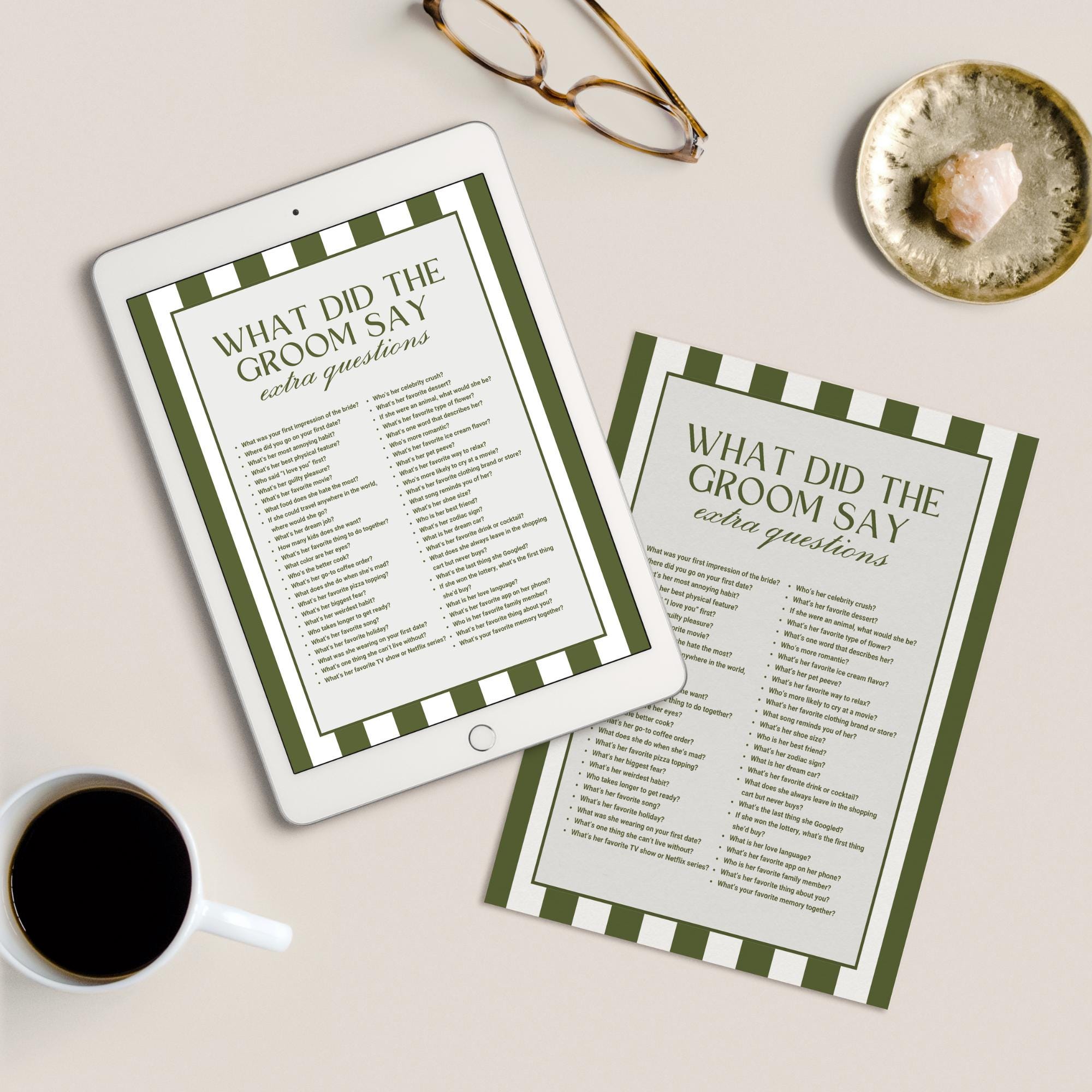
  • ✔️ 50 Extra Questions – Editable + Ready-to-Print (8.5" x 11")

  • ✔️ 16 fun pre-written questions included

  • ✔️ Space to upload groom video responses

  • ✔️ “How to Play” instructions slide included

  • ✔️ PDF with clickable Canva Template Links

  • ✔️ Canva Beginners Guide PDF

  • ✔️ How to Download & Print PDF

No physical product — instant digital access.


How to Play

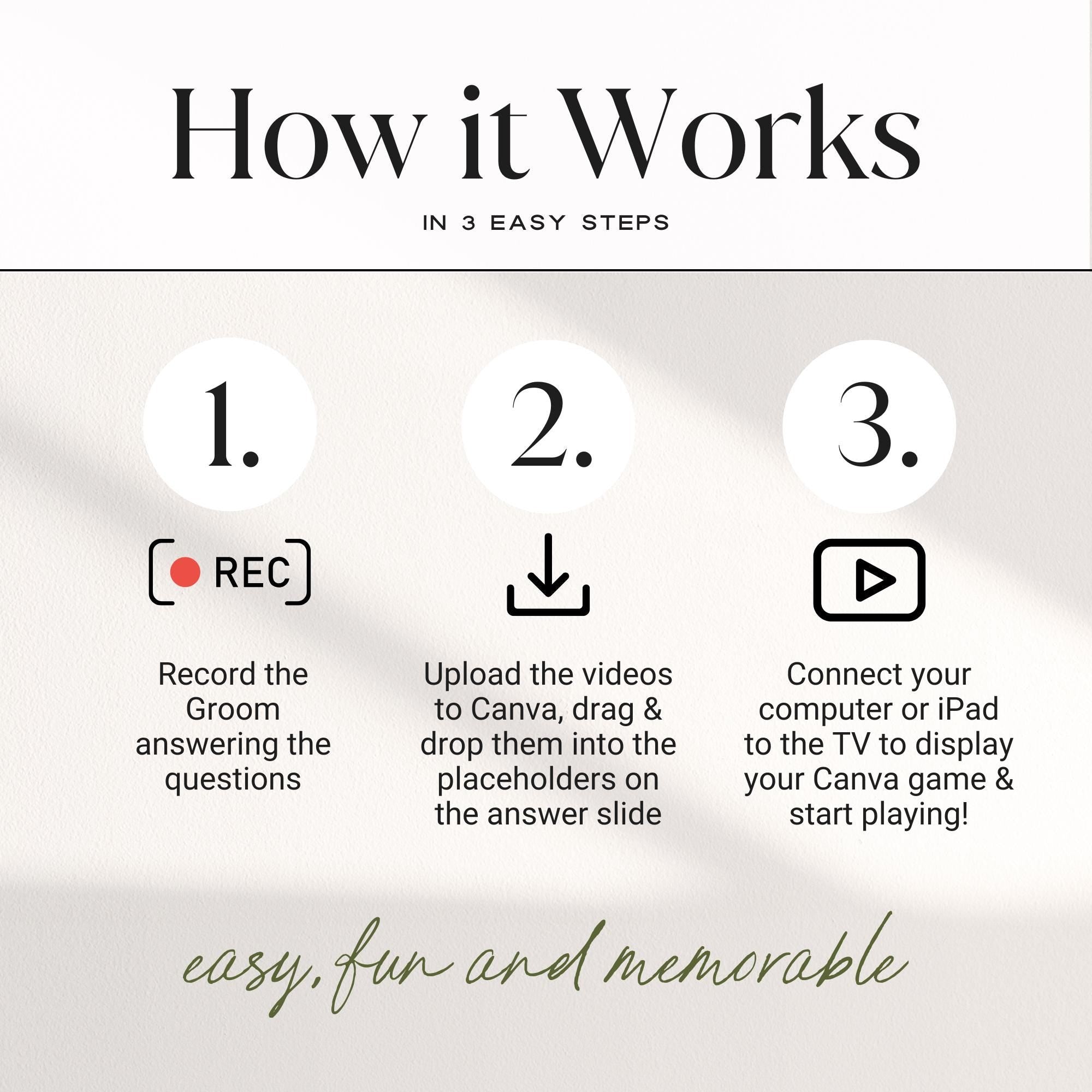
1️⃣ Ask the groom 16 fun (or cheeky!) questions — record his answers
2️⃣ Upload his videos/photos into the template
3️⃣ At the party, read each question to the bride before revealing his answer
4️⃣ If she’s right → girls sip 💃
5️⃣ If she’s wrong → the bride drinks! 🍹
(Feel free to create your own rules!)


How to Present

Open the Canva file and click Present → cast to your TV or projector from your phone, tablet, or laptop.
💡 Pro tip: Put a bridesmaid in charge of the slides so the bride can enjoy the fun!

HOW IT WORKS:
  1. Add to Cart & Complete Your Purchase
  2. Check Your Email for a PDF with the Canva template link(s) and instructions
  3. Don’t have a Canva account? Sign up free here
  4. Open the Template Links in the PDF – Click on the each individual link to open your template preview in Canva. The click 'Use Template for New Design' to start editing.
  5. Customize the design – edit text, colors, fonts, and more on your computer
  6. Download as PNG, JPG, or PDF – or share a view-only Canva link
HOME PRINTING TIPS:

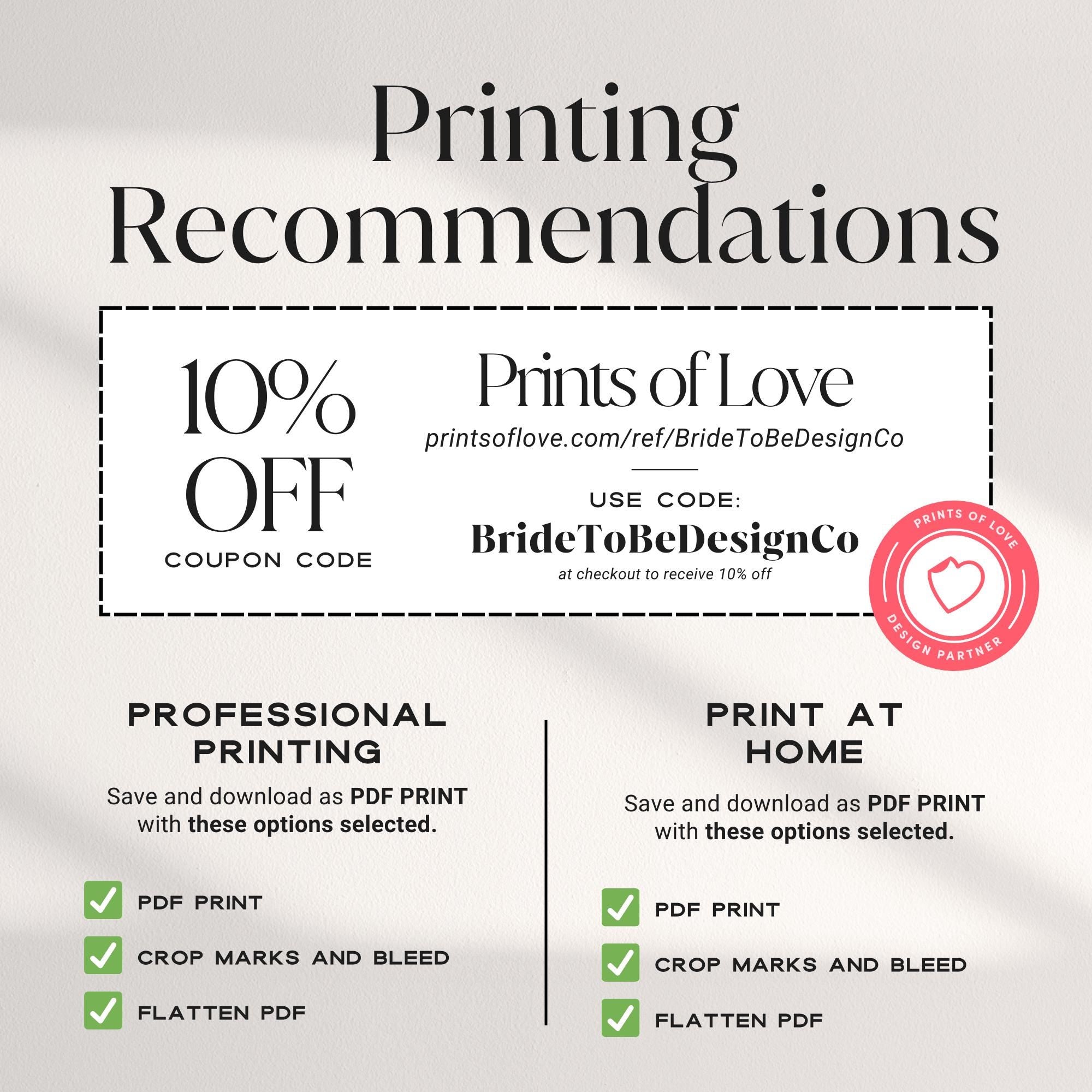
PDF Print (Recommended)

  • Download as “PDF Print”
  • Select “Crop Marks & Bleed” + “Flatten PDF”
  • Print on heavy white card stock (100lb–130lb recommended)

PNG or JPG

  • Best for texting, email, or digital sharing
WHERE TO PRINT:

For high-quality, professional printing with a personal touch.
▶ Use our special link: Prints of Love
Use code BrideToBeDesignCo at checkout for 10% off orders over $49

Upload your file as a PDF Print with Crop Marks & Bleed and Flatten PDF selected

✔ Staples (Canada & US)

✔ Other Options

  • Local print shops or services like FedEx, Office Depot, VisaPrint
PRINT RECOMMENDATIONS (for Signs):

For signs, we recommend printing on foam board or poster paper for easy display on easels or walls. These materials provide a sturdy and professional look for your event.

PLEASE NOTE:
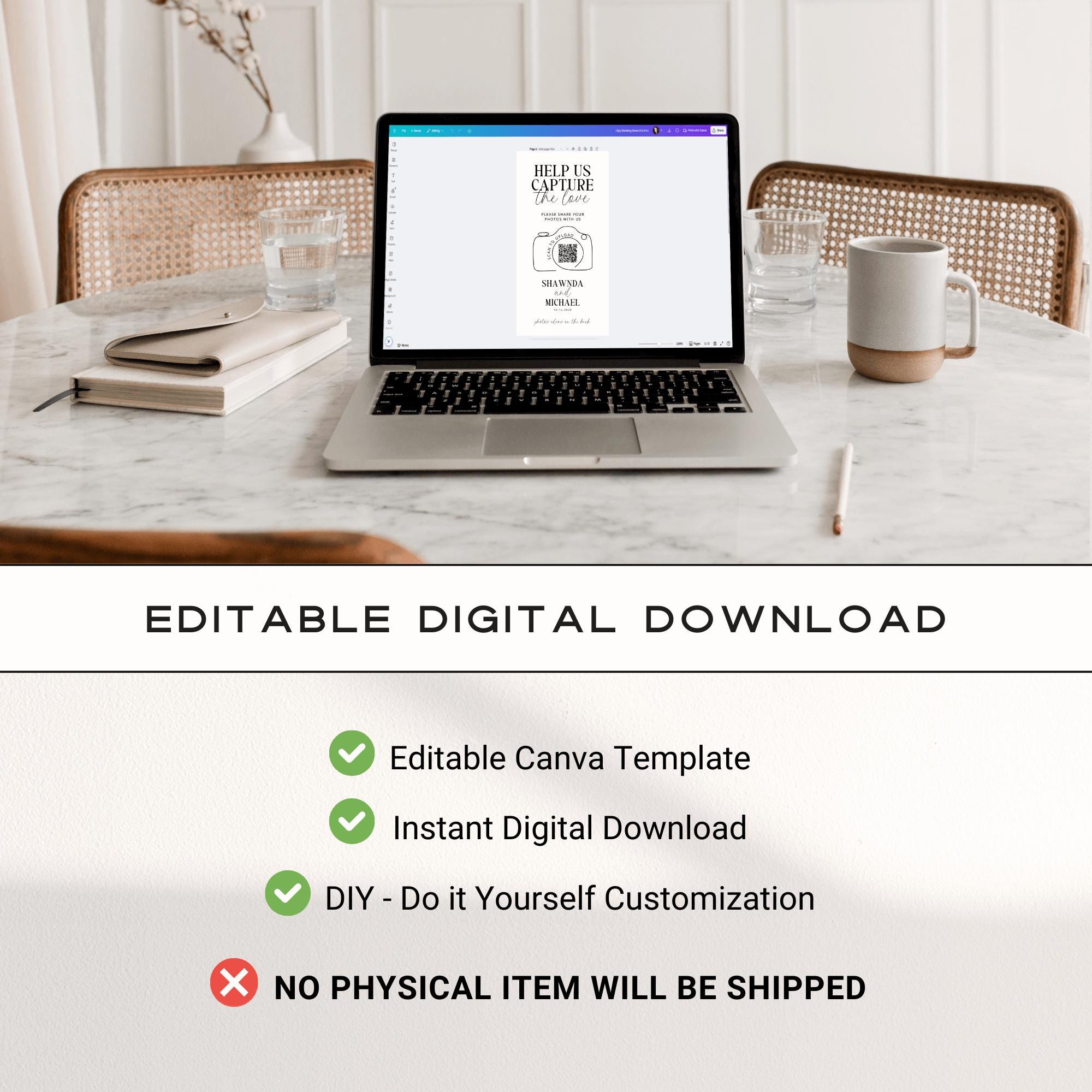
  • These are digital templates – no physical items will be shipped
  • Page size and orientation are fixed and cannot be changed
  • For best results, use a laptop or desktop – mobile editing can be challenging
  • Unlimited access – edit your template any time (no expiry)
  • For personal use only – not for resale or commercial use
  • Not Compatible with Other Software – This template cannot be edited in Word, Photoshop, Illustrator, or any non-Canva platform
ABOUT CANVA ELEMENTS:

We aim to use only free elements, but Canva may occasionally mark some as Pro-only.
If you don’t have Canva Pro:

  • You can replace Pro elements with free ones, or
  • Purchase them individually at checkout if needed
TERMS OF USE:

By purchasing, you agree to the following:

  • Personal Use Only – Sharing, reselling, or redistributing the files or final designs is strictly prohibited
  • Single-Event Use Only – You may print and use this design for a one-time event (such as a wedding, party, or client event). Reselling, sublicensing, or redistributing the template or final design in any form is not allowed
  • Digital Product – This is a digital download. No physical items will be shipped
  • No Refunds or Exchanges – Due to the nature of digital products, refunds or exchanges are not available. Please reach out if you have any questions before purchasing
  • Not Affiliated with Canva.com – This template is designed for use on Canva only and is not officially affiliated with or endorsed by Canva.com

What Did The Groom Say Bachelorette Trivia Game, Bach Drinking Game Hens Party, Bikinis and Martinis Bache, Guess Who Said It Game Canva DIY
BUNDLE & SAVE - GET 50% OFF WHEN YOU PURCHASE 3 OR MORE ITEMS!

How It Works


Access link icon

Access Template Link/s

After purchase, you’ll receive a PDF with underlined link/s to open your template/s in Canva (free account required).

Open in Canva icon

Open with Canva

Click the link to open a preview of your template, then click ‘Use Template For New Design’ to start editing!

Edit design icon

Customize Your Design

Change the text, fonts, and colors to match your event style. It’s fully editable and beginner-friendly.

Download icon

Download and Print or Send Digitally

Download your finished design as a high-quality PDF PRINT (best for professional printing), PNG or JPG (best for digital sharing). Print at home or through your favorite print shop.

Loved by thousands of Bride-to-be’s, Planners & Party Hosts

"Everything in this suite is adorable! It was perfect for the bridal shower I'm hosting. I used most aspects of the suite and was able to customize it to our needs. The downloading process and templates were so easy to use, especially if you have a basic understanding of Canva! Would 100% purchase again."

Katie

"The design is so cute, so many extras included to customize and best of all Erica was soooo helpful for Canva newbies! Her support 5stars! Offered to help with any questions/problems. So nice to know she was there if needed."

Lisa

"This downloadable Canva itinerary was absolutely perfect for the bachelorette trip I am planning. Completely customizable & was able to print directly from Canva. Highly rec!"

Amanda

"Really clear instructions and easy to use!"

Karin

"Cannot wait to use this at our wedding! very easy to make edits to."

Kirsten